Best Browser Games for Chromebook 2026
Game on Your Chromebook!
Chromebooks are great for productivity and perfect for browser gaming! Here are the best games that run smoothly on Chrome OS without any downloads.
🎮 Top 15 Chromebook Games
Quick Rankings
| Rank | Game | Genre | Performance |
|---|---|---|---|
| 1 | Krunker.io | FPS | ⭐⭐⭐⭐⭐ |
| 2 | Slither.io | Survival | ⭐⭐⭐⭐⭐ |
| 3 | 2048 | Puzzle | ⭐⭐⭐⭐⭐ |
| 4 | Agar.io | Survival | ⭐⭐⭐⭐⭐ |
| 5 | Cookie Clicker | Idle | ⭐⭐⭐⭐⭐ |
| 6 | Run 3 | Platformer | ⭐⭐⭐⭐⭐ |
| 7 | Shell Shockers | FPS | ⭐⭐⭐⭐ |
| 8 | Bloxd.io | Sandbox | ⭐⭐⭐⭐ |
| 9 | SmashKarts.io | Racing | ⭐⭐⭐⭐ |
| 10 | Tetris | Puzzle | ⭐⭐⭐⭐⭐ |
🏃 Lightweight Games (Best Performance)
2048
Perfect for Low-Spec!
- Minimal resources
- Works on any Chromebook
- Addictive gameplay
- Offline capable
Cookie Clicker
Background Gaming!
- Runs in background tab
- Very light on resources
- Endless progression
- Check occasionally
Play Cookie Clicker at cookieclicker.io
Tetris
The Classic!
- Simple graphics
- Smooth gameplay
- Multiple modes
- No lag
🔫 Action Games
Krunker.io
Surprisingly Smooth!
- Lower graphics settings
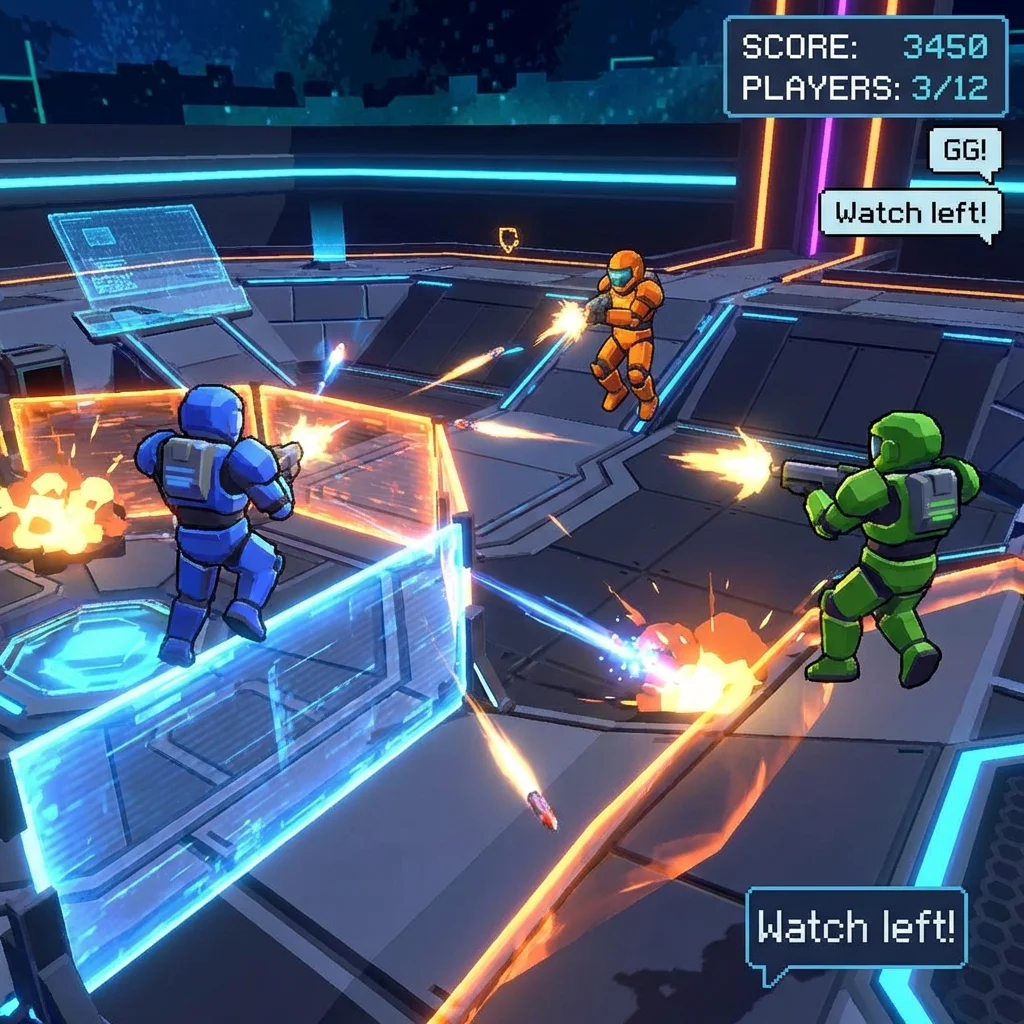
- Competitive FPS
- Active community
- Runs well on most Chromebooks
Settings for Chromebook:
- Resolution: Low
- Render Distance: Low
- Shadows: Off
Play Krunker.io at krunker.io
Shell Shockers
Egg-cellent Performance!
- Optimized for browsers
- Fun multiplayer
- Easy controls
- Moderate requirements
🐍 .IO Games (All Work Great!)
Slither.io
- Snake multiplayer
- Smooth performance
- Simple graphics
- Very addictive
Play Slither.io at slither.io
Agar.io
- Cell survival
- Low resource usage
- Quick matches
- Works everywhere
Play Agar.io at agar.io
🧩 Puzzle Games
Wordle (and Clones)
- Word guessing
- One puzzle daily
- Minimal resources
- Educational
Chess.com
- Online chess
- Play AI or humans
- Runs perfectly
- Learn and improve
⚙️ Optimizing Chromebook for Gaming
Settings Adjustments
Chrome Flags:
- Open
chrome://flags - Enable "Override software rendering list"
- Enable "GPU rasterization"
- Restart browser
In-Game:
- Lower graphics settings
- Reduce resolution
- Turn off particles
- Disable shadows
Performance Tips
- Close other tabs - Free up memory
- Update Chrome - Better performance
- Restart occasionally - Clear memory
- Use wired internet - Lower latency
- Avoid peak hours - Server load
📊 Chromebook Requirements
What Spec Do You Need?
| Game Type | RAM | CPU |
|---|---|---|
| Idle/Puzzle | 2GB | Any |
| .IO Games | 4GB | Basic |
| FPS Games | 4GB+ | Good |
| Sandbox | 4GB+ | Good |
Best Chromebooks for Gaming
- Higher RAM models (4GB+)
- Intel processors (generally better)
- Newer models (better optimization)
🎒 School Chromebook Gaming
What Usually Works
✅ .IO games ✅ Educational games ✅ Puzzle games ✅ Simple HTML5 games
Tips for School
- Respect your school's policies
- Game during appropriate times
- Don't disrupt learning
- Keep volume muted
❓ FAQs
Q: Why do games lag on my Chromebook?
A: Lower graphics settings, close tabs, try lighter games.
Q: Can I play Roblox on Chromebook?
A: Through cloud gaming (GeForce NOW) or Android app.
Q: Best game for old Chromebook?
A: 2048, Cookie Clicker, or Tetris.
Q: Do .io games work on school Chromebooks?
A: Usually yes, but depends on network filters.
Q: Can I use a controller?
A: Some games support Bluetooth controllers.
🔗 Related Content
🎯 Conclusion
Chromebooks are great for browser gaming!
Focus on HTML5 games, .io games, and lighter titles for the best experience. Optimize your settings, close unnecessary tabs, and enjoy gaming anywhere!
Last Updated: January 4, 2026
Disclaimer: Game Duddles is an independent publication. We are not affiliated with the developers of the games covered. All game names, logos, and trademarks are property of their respective owners. This content is for informational and educational purposes only.